 Product Personaliser
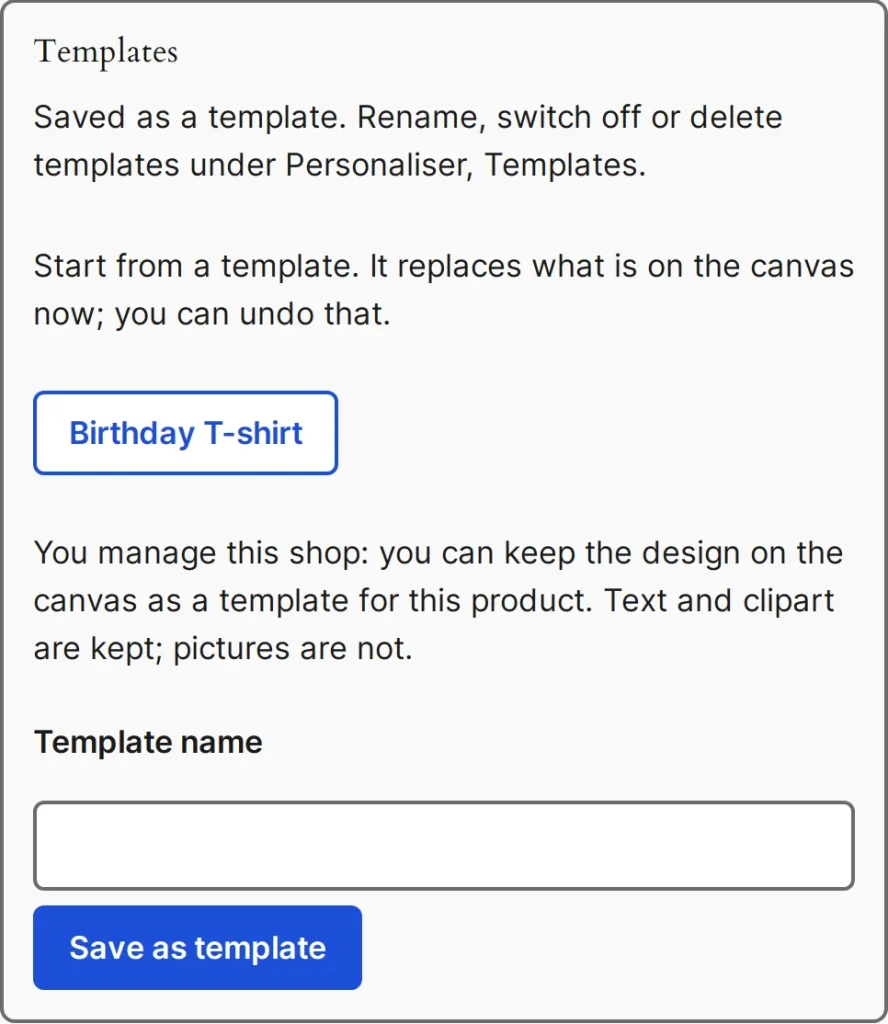
A template is a design without the customer's pictures that you offer as a starting point.
Steps
- Sign in as someone who may edit products and open a canvas product page.
- Build the design, type a Template name (up to 120 characters) and press Save as template. Up to 30 templates per product.
- Customers now start from it. The template is checked against the current setup again when used.
- Open Personaliser > Templates to rename, switch off or delete templates. Each row shows what it holds, when it was saved and its product.
Pictures are removed from a template when it is saved. There is no add button on the Templates screen, because a template is always made on the product itself.
Example
A printing shop saves "Birthday mug" with a banner clipart and a line of text. A buyer opens it, changes the name and orders in two minutes.
Related topics
Was this page helpful?
Report an errorApplies to version 0.1.0.